
OOTDBuy Spreadsheet
Find the piece. See the details.
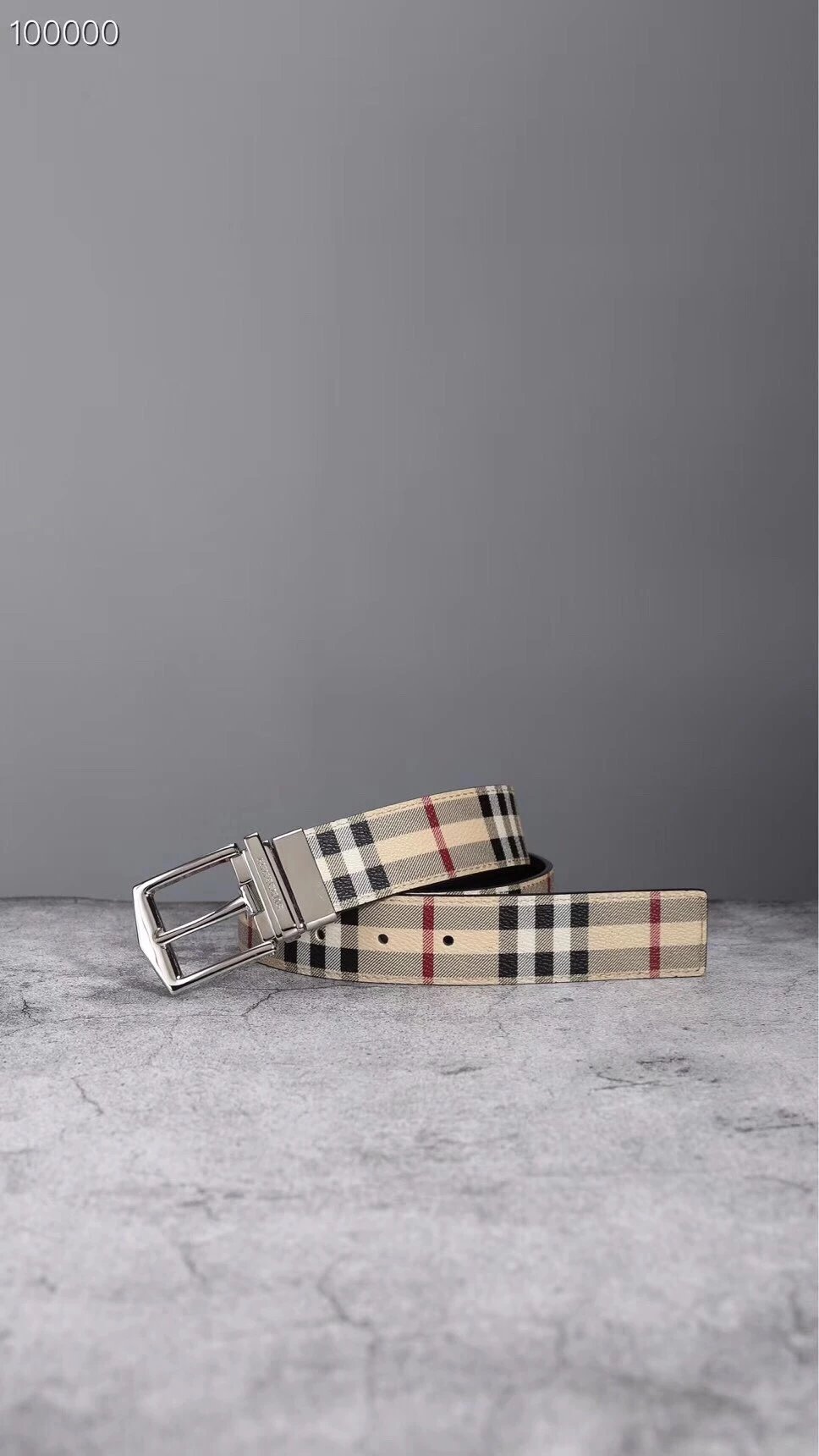
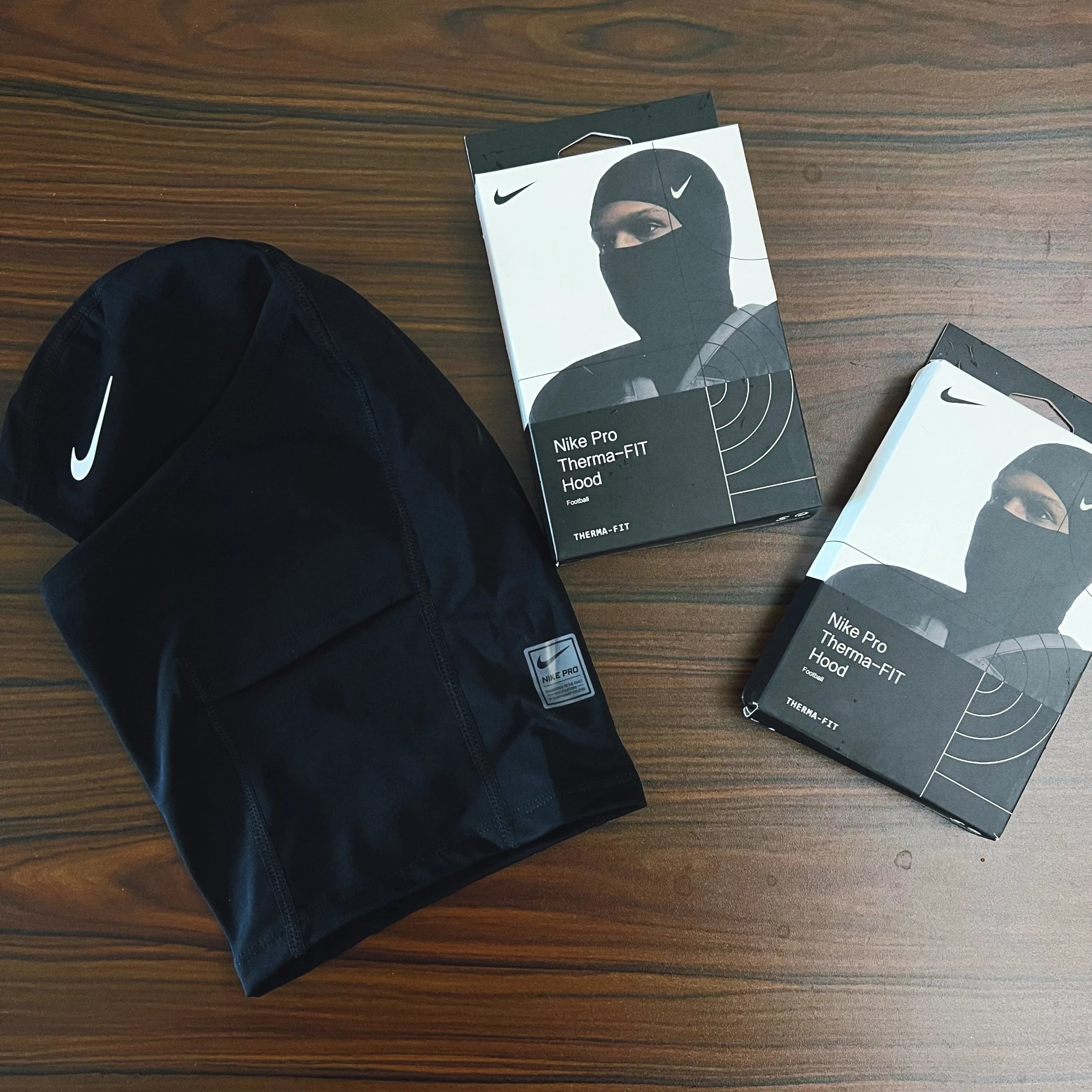
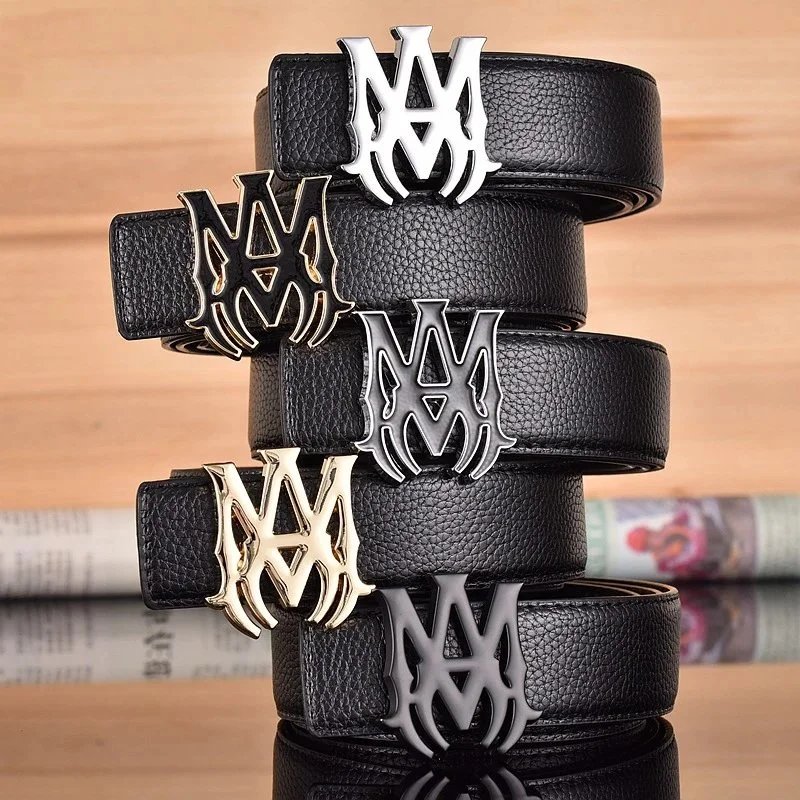
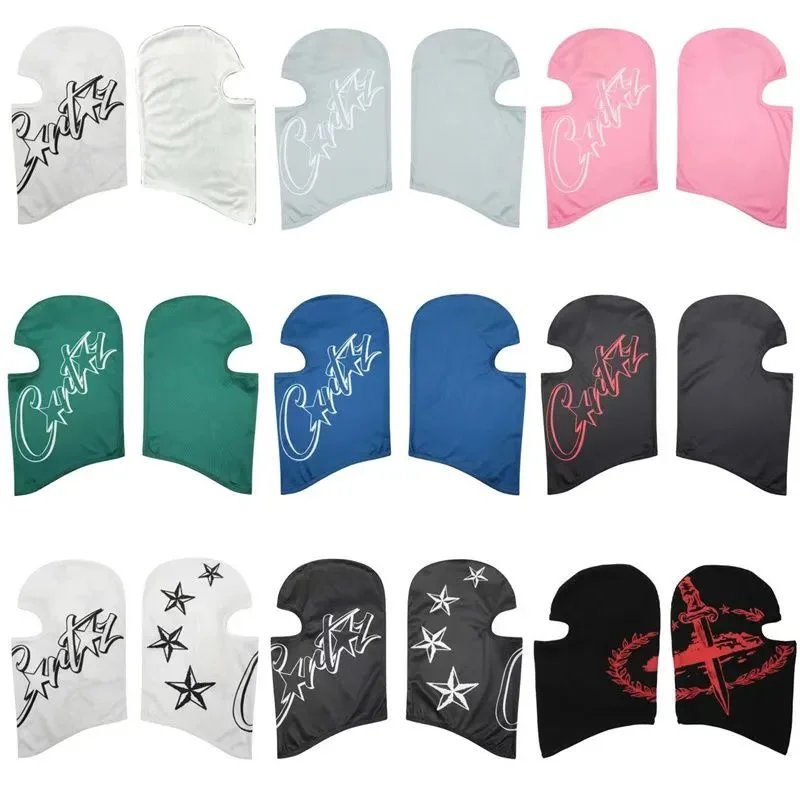
Before you open OOTDBuy
Explore the OOTDBuy Spreadsheet by product, category or picture. Keep the seller photos, available QC references and original product link together as you compare your next find.
Open the SpreadsheetExplore the latest finds
Open the Spreadsheet
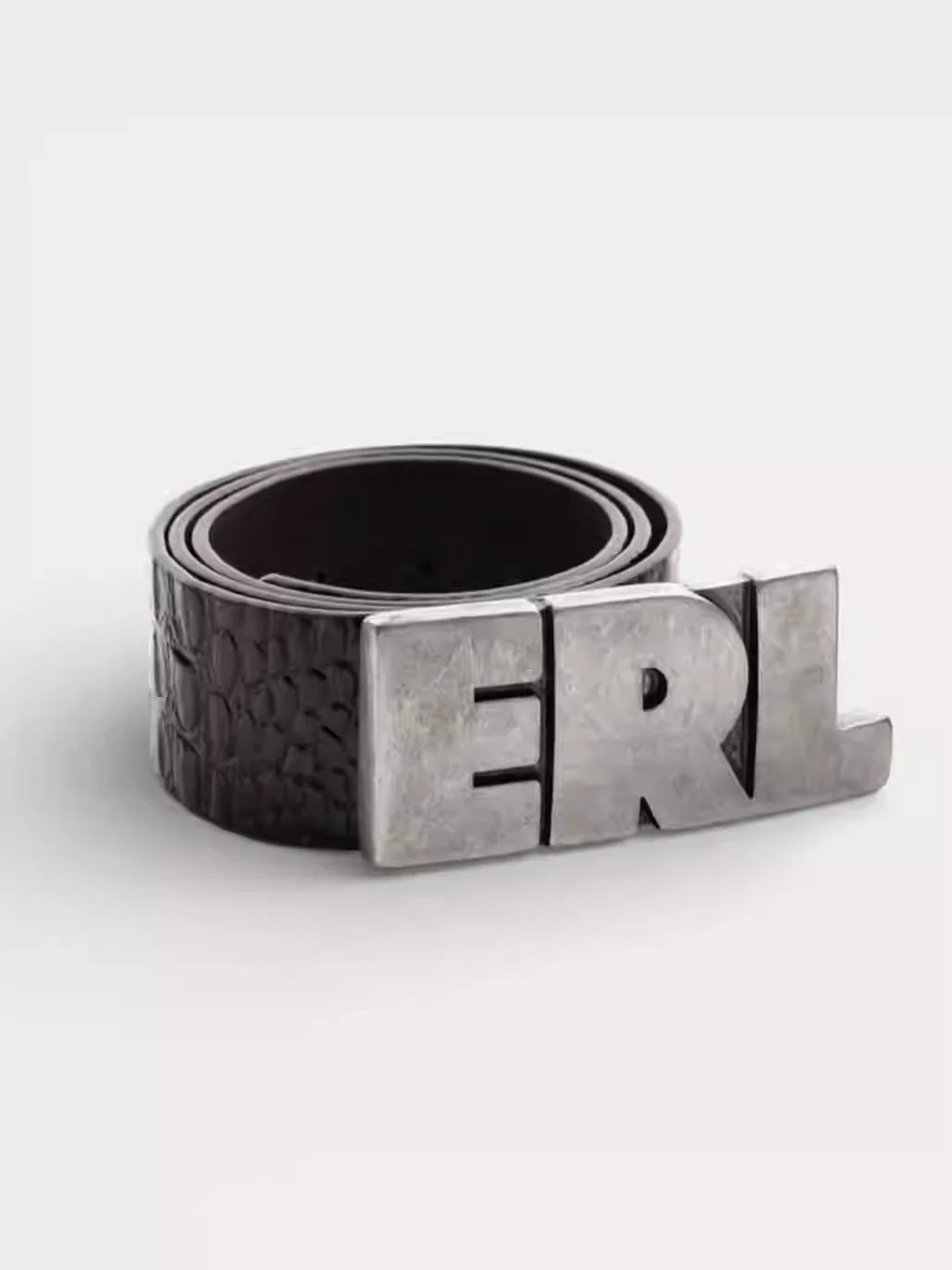
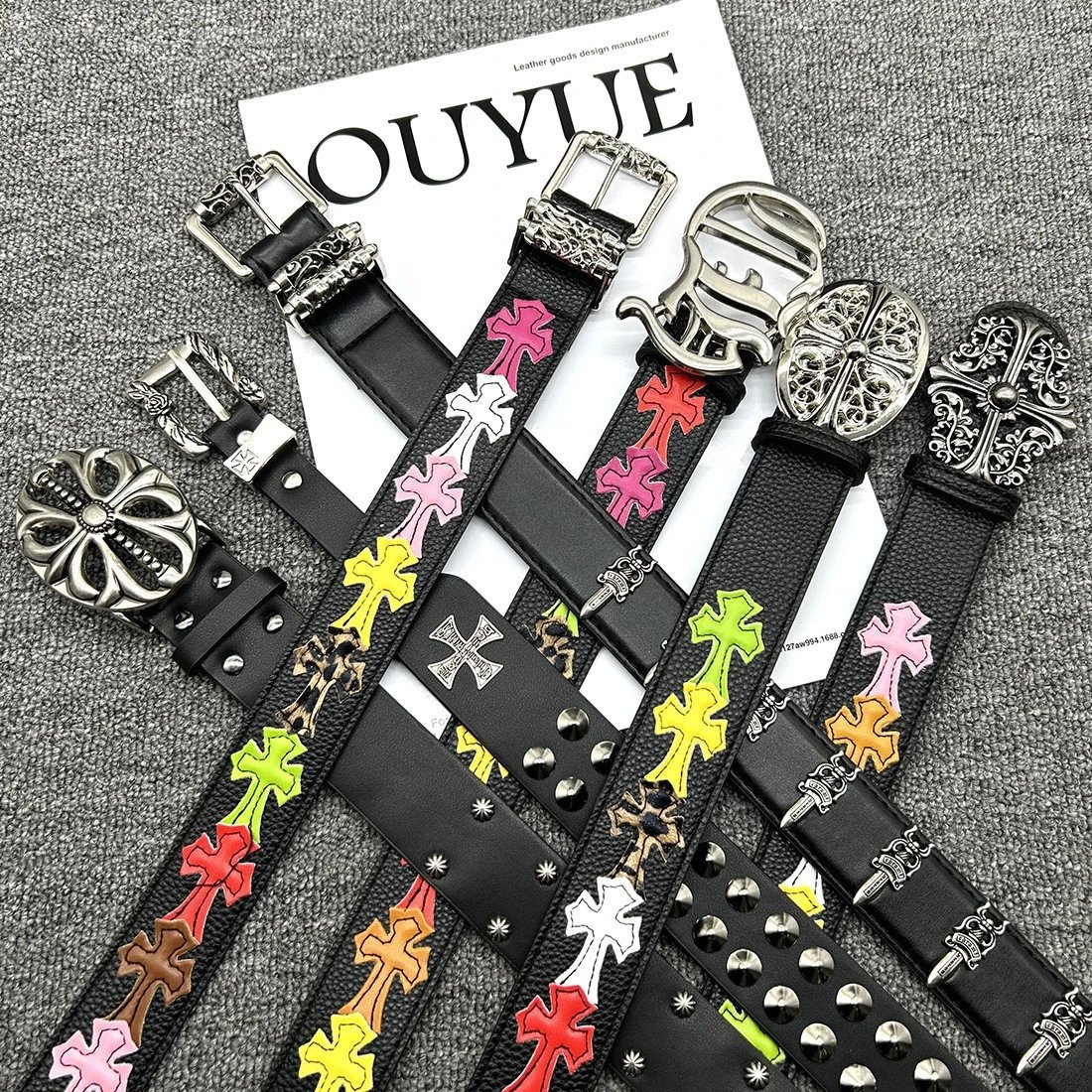
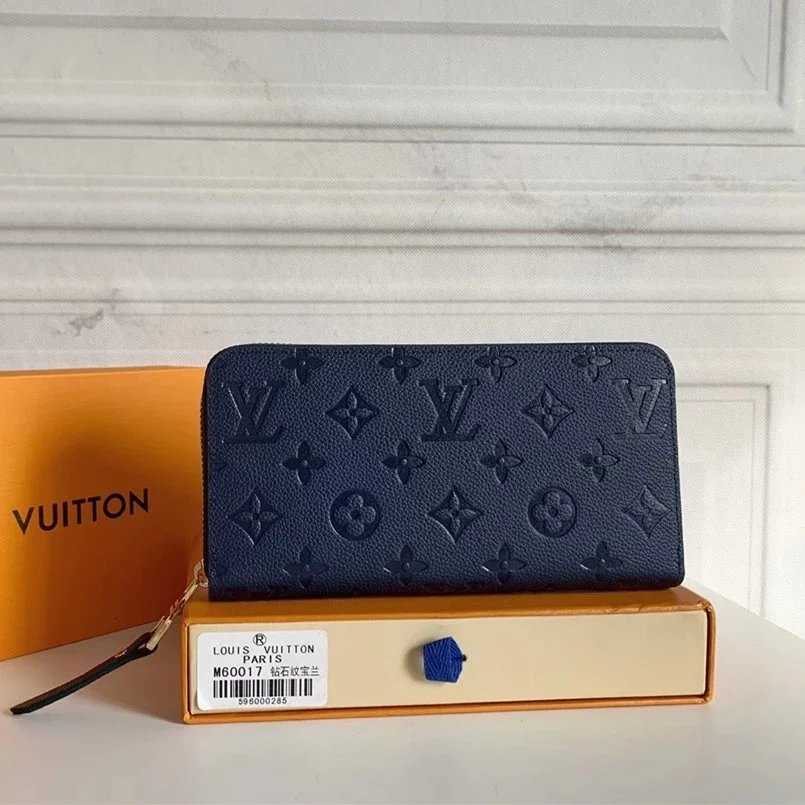
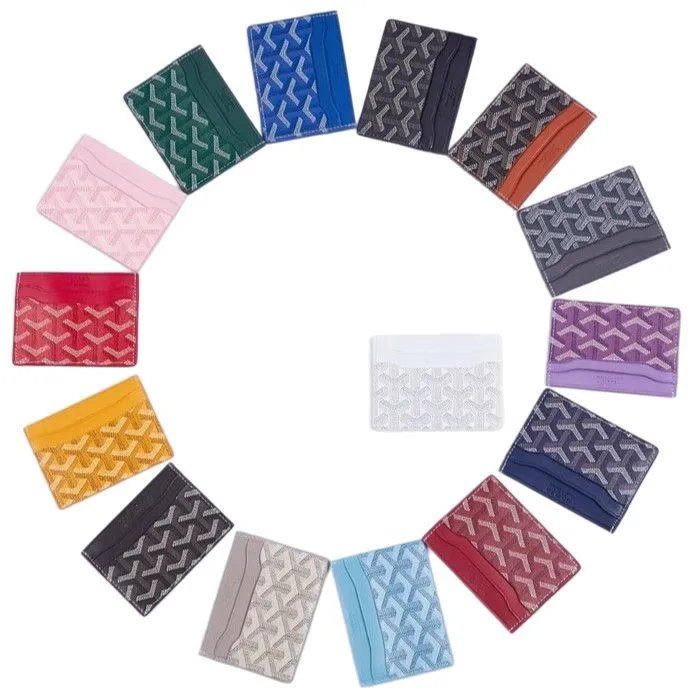
The department edit
카테고리신발
Explore sneakers, boots and other footwear. Open a listing to compare its profile, sole and fastening in the product gallery and any available QC references.
상의
Keep T-shirts, hoodies, shirts and knitwear in one place. Compare the pictured print, collar and front and back views before opening the original offer.
하의
Browse trousers, denim and shorts. Look at the pockets, waistband and hems in the gallery, then confirm sizing on the destination listing.
아우터
Find jackets and coats together. Use additional pictures to inspect closures, cuffs and linings while keeping the exact source listing connected.
세트 의류
Browse coordinated pieces as a set. Check each photo and the current seller offer to establish which items are included.
속옷
Browse socks and underwear separately. Compare the pictured design and pack contents, then confirm size and quantity on the official product page.
액세서리
Explore bags, hats, watches and jewellery. The more specific category links help separate small accessories from the rest of the catalogue.
전자제품
Find electronics without searching through clothing. Match the model, pictured connections and included accessories against the seller specifications.
기타
Explore products outside the main wardrobe departments. Open the individual page to inspect its pictures and follow the exact original offer.
질문, 답변
What can I find in this OOTDBuy Spreadsheet?
Browse clothing, shoes, accessories and the other departments in the category directory. Each product page brings its source link, photos, reference price and available QC references into one place.
Use the Spreadsheet to compare individual listings. The OOTDBuy button continues to the matching source item on the official website, where you check the current offer.
How do I find a particular sneaker or hoodie?
Search a product name or a recognisable detail, or open Shoes and Tops from the department directory. The directory also links to more specific types, including hoodies, jackets and bags.
Inside a result list, brand and sort controls update immediately. Search within the selected category when you want to keep browsing that department.
Can I combine search, category, brand and sorting?
Yes. A search made inside a category keeps that category and your selected brand and sort order. Changing a filter starts again at the first result page.
The active conditions above the products show what is selected. Remove a condition to broaden the list; if there are no matches, try a shorter query or clear the brand.
이미지 검색은 어떻게 작동하나요?
Upload a JPG, PNG, WebP or GIF, drag a photo into the upload area, or paste an image from the clipboard. The chosen picture stays in the upload area while the search runs.
Results are visual matches, rather than proof of the same product, seller or batch. Open a result and compare its design details and original listing before continuing.
What is the difference between product photos and QC?
Product photos show the listing and its pictured styles. QC photos are existing inspection references associated with that listing, shown separately below the main product information.
They are not photos of a new order placed by you. Look closely at visible details and use the original offer for current product information; photos alone cannot guarantee a future item.
일부 제품에는 왜 QC 사진이 없나요?
QC coverage varies by listing. A page without QC still shows the available product pictures and source link; missing QC does not mean an inspection has taken place.
If close inspection is essential to your decision, compare another listing with available references. Any new order and its inspection process are handled on OOTDBuy.
Does selecting a style here select my order options?
The small style pictures change the image preview so you can inspect the pictured designs. They do not reserve stock, select a size or add anything to an OOTDBuy basket.
Choose size, colour, quantity and all required options on the destination product page. Check the price again after making those selections.
What does the OOTDBuy purchase button open?
For a supported Weidian listing, it opens the official OOTDBuy goods page with that listing’s original numeric product ID and the Weidian channel. Our invitation code stays attached to the link.
Each product uses its own source ID. If a valid supported link cannot be built, the page does not offer an invented destination; the original source remains available when provided.
How can I keep the original marketplace link?
Use the source copy button on the product page. It copies the original marketplace address, which is different from the OOTDBuy referral link.
The button confirms a successful copy. If clipboard access is unavailable, use the displayed source link to open the listing and copy its address there.
Why can a product link stop working?
A seller can remove or change an offer, and the destination may require an account before showing product details. A saved reference does not establish that the item is still available.
Check the source offer and the official product page. If either is unavailable, search the Spreadsheet again or use a photo to compare other listings rather than assuming an order can be placed.
Are the displayed prices in dollars?
USD is the starting display currency. Use the currency selector in the header to compare reference prices in another supported currency; your choice is kept for later pages.
Converted reference amounts may differ from the current destination offer or a selected option. The official product page is where you confirm the amount before ordering.
Is OOTDBuy Sheetz the official OOTDBuy website?
OOTDBuy Sheetz is an independent discovery website. The official OOTDBuy service handles accounts, orders, payments and customer support.
Our registration and purchase links contain a referral code. Browsing a product here does not place an order or establish a purchase agreement with OOTDBuy.